
Download TV – live TV streaming, channels, desktop, global, music, technology, sports, news, education
Overview
TV is a desktop application designed to stream live television channels directly to users’ computers, offering a broad selection of content across multiple genres and regions. Its primary purpose is to provide real-time access to global television programming, enabling users to watch live broadcasts without the need for traditional cable or satellite subscriptions. The app is particularly useful for individuals seeking diverse content, including sports, news, music, and educational programming, from various countries. Although the developer did not provide additional background information, the application has been available since 2015, indicating a long-standing presence in the digital media space.
TV addresses the growing demand for flexible, on-demand access to live content, especially among users who value variety and international perspectives. It is well-suited for tech-savvy individuals, expatriates, students, and media enthusiasts who want to stay connected with global events and niche programming. The app’s ability to filter channels by subject and country enhances its usability, making it easier for users to locate relevant content regardless of their location. While the selection of Spanish-language channels is limited, the app compensates with a robust array of music and technology-focused channels, broadening its appeal to specialized audiences.
Within the digital entertainment ecosystem, TV serves as a utility tool for users who prioritize content diversity and accessibility. Its straightforward approach to live streaming makes it a viable alternative for those looking to supplement or replace conventional TV services. The application’s longevity and continued relevance suggest a stable and functional platform, even in a competitive market.
Key Features & Functionality
- Wide Channel Selection: TV provides access to hundreds of live television channels spanning sports, news, music, education, and more. This extensive library allows users to explore a broad range of content, catering to varied interests and regional preferences.
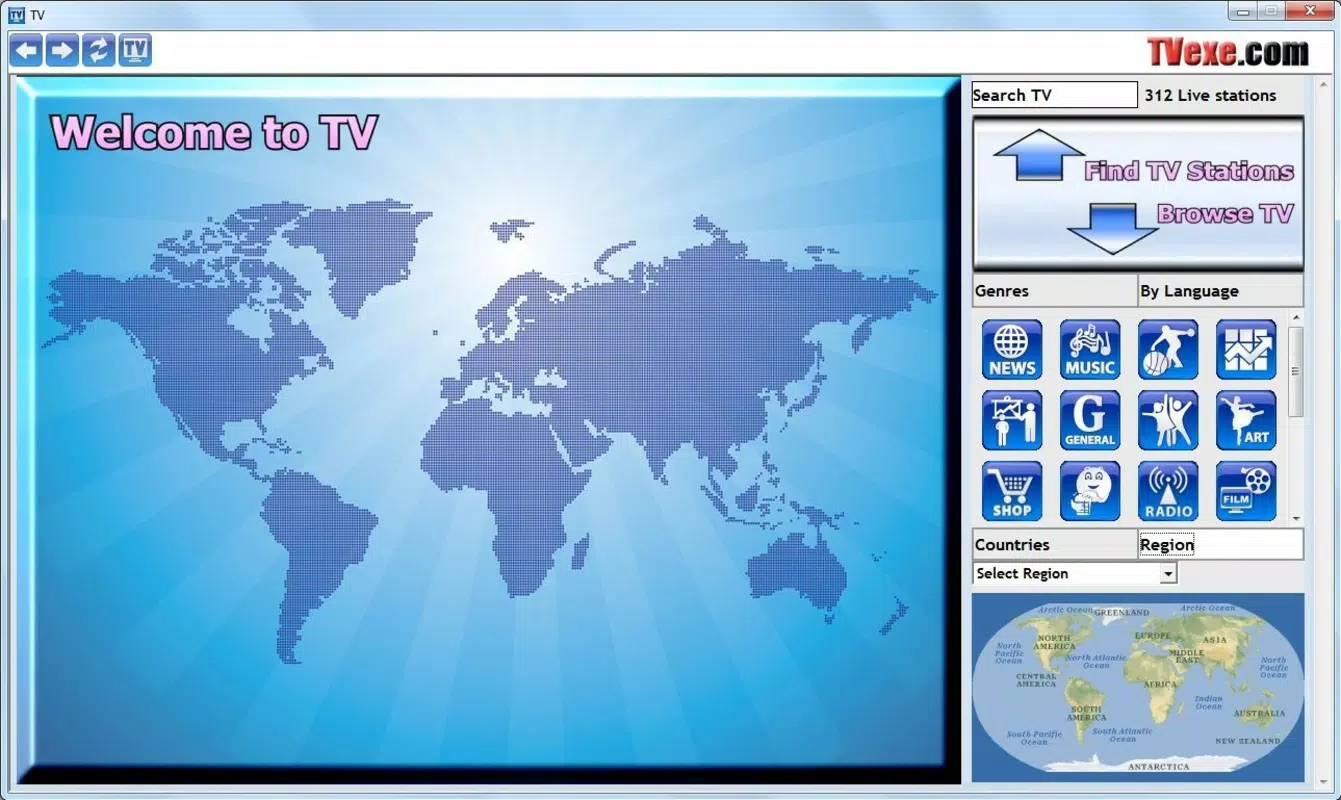
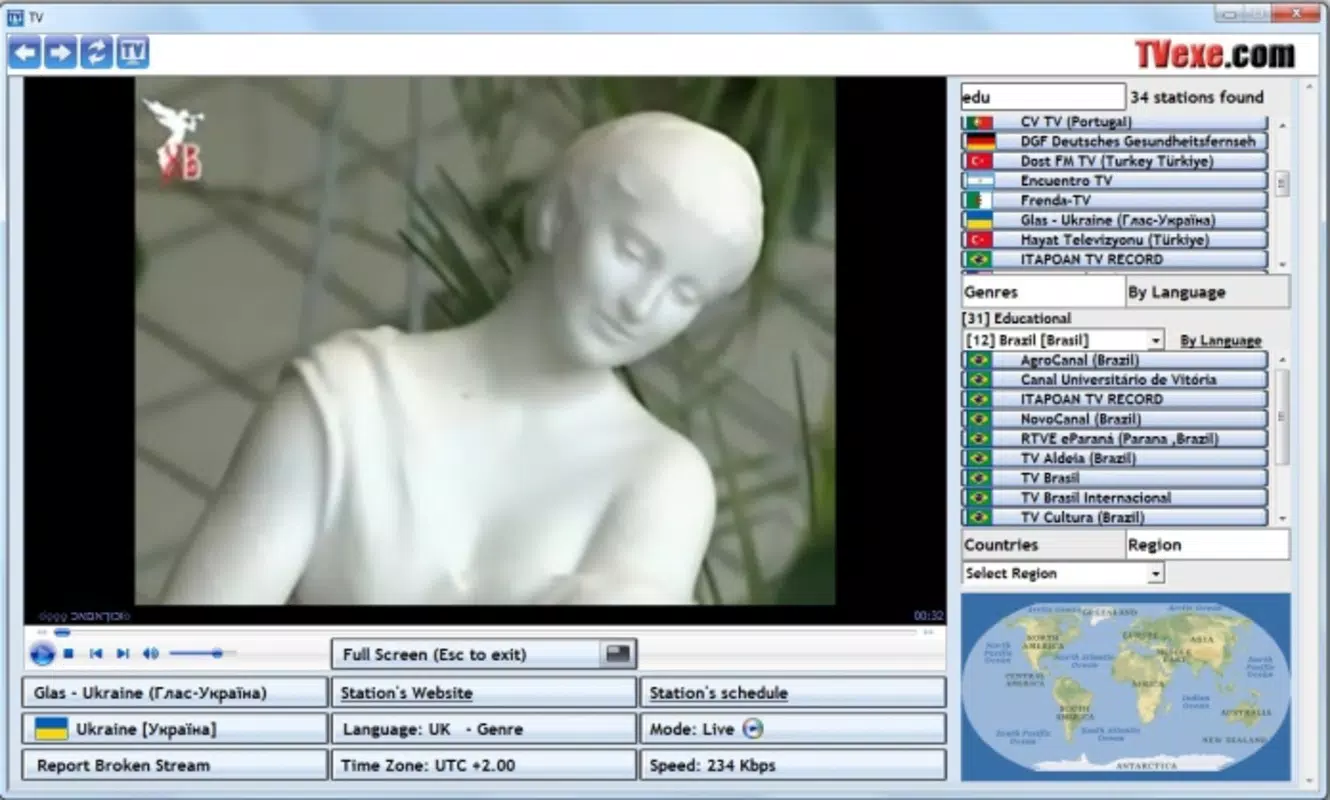
- Channel Filtering Options: Users can filter channels by subject and country, streamlining the discovery process. This functionality is especially beneficial for those seeking content from specific regions or genres, such as European sports or Asian educational programs.
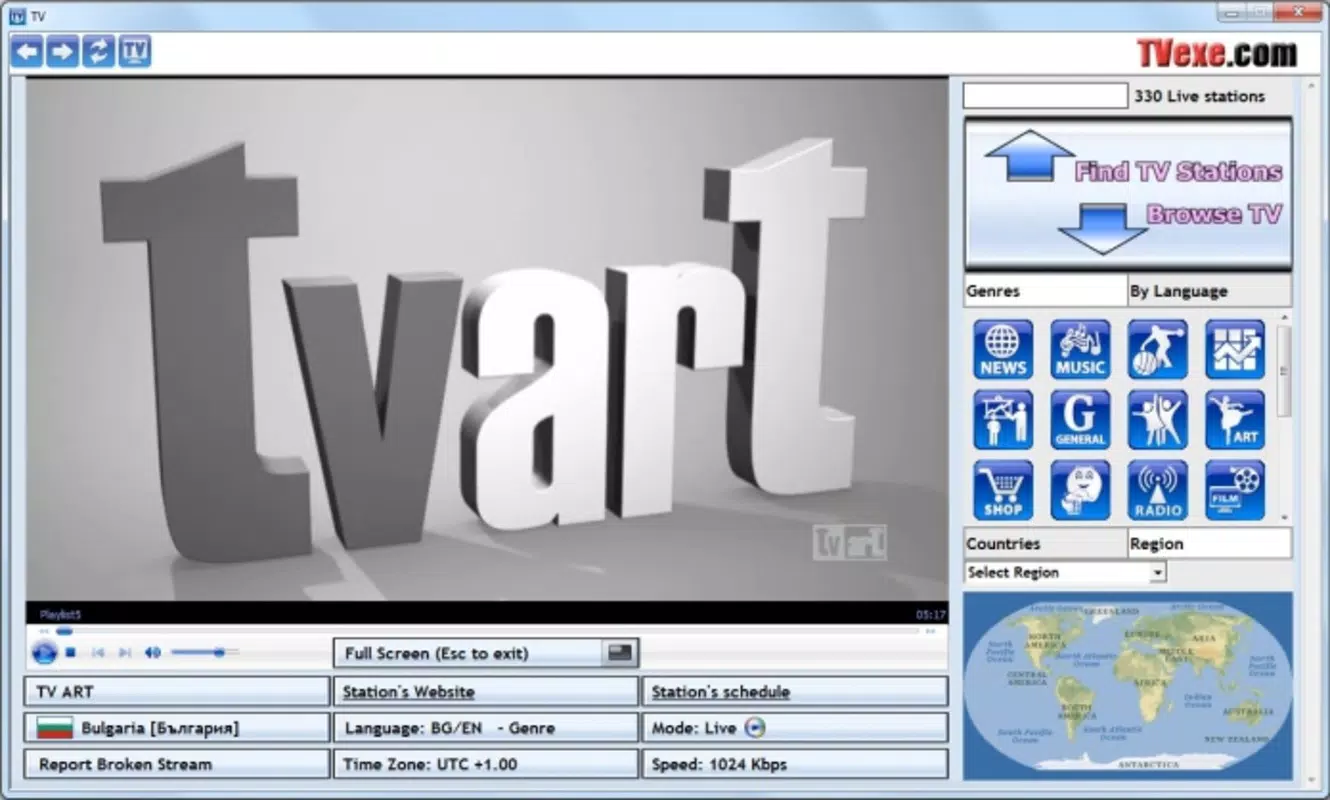
- Adaptive Streaming Tools: The application automatically selects the optimal streaming method—such as Windows Media Player, RealVideo, or Flash—based on the channel’s format. This ensures compatibility and smooth playback across different sources.
- Good Video Quality: The app delivers generally high-quality video streams, with performance dependent on both the source channel and the user’s internet connection. Most users can expect a reliable viewing experience with minimal buffering under stable network conditions.
- Diverse Global Content: Despite a limited number of Spanish channels, TV offers a rich selection of programming from around the world, with strong representation in music and technology categories. This global reach enhances its value for users seeking international perspectives.
For example, a student studying international relations could use the app to watch live news broadcasts from multiple countries, while a music enthusiast might explore live performances from global artists. Similarly, a tech professional could follow live tech conferences or product launches from different regions. These real-world applications highlight the app’s versatility and practicality.
Interface, UX & Performance
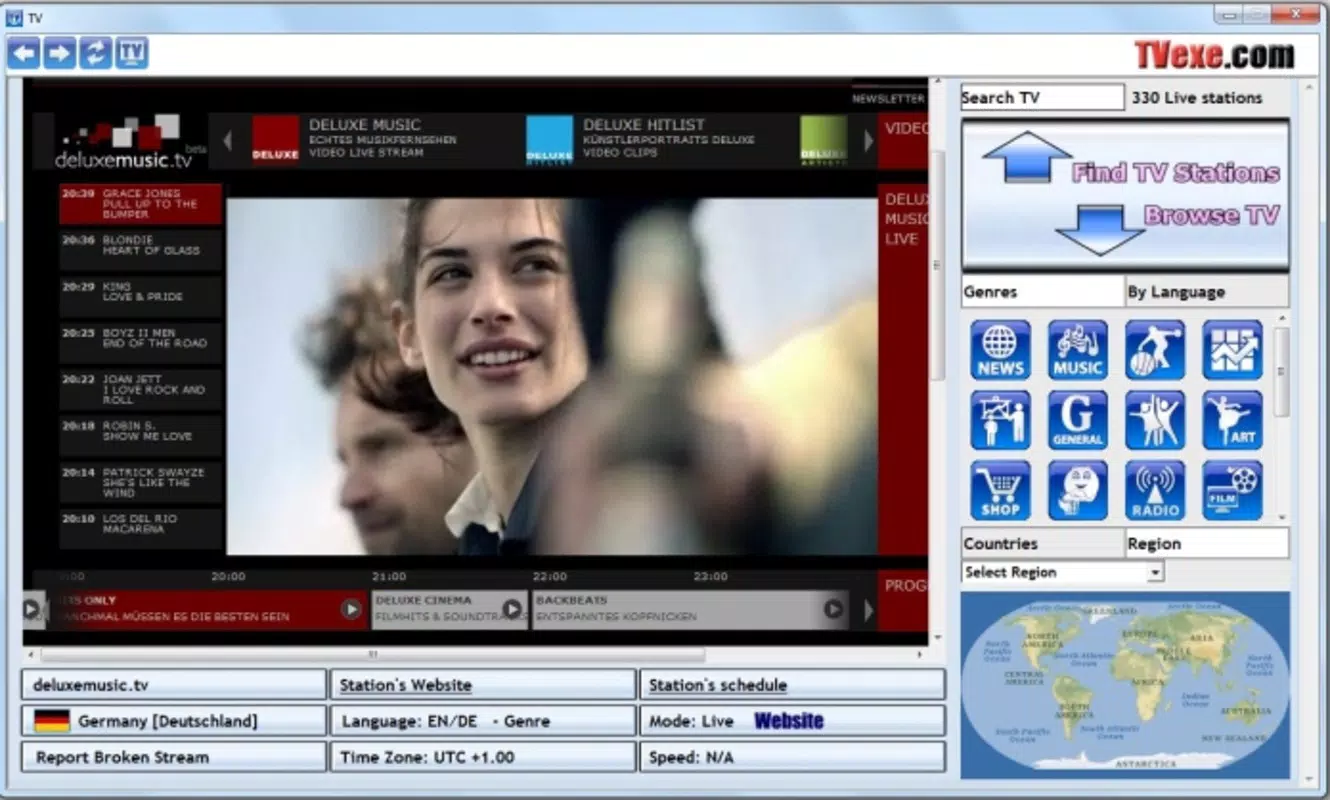
The user interface of TV is designed with functionality in mind, prioritizing access to content over visual flair. The layout is straightforward, with channels organized in a list format that can be sorted or filtered by category and country. Navigation is intuitive, allowing users to quickly locate desired content without complex menus or excessive clicks.
Visual style is minimalistic, focusing on usability rather than aesthetic polish. While the interface does not feature modern design trends, it remains effective for its intended purpose. The application’s responsiveness is consistent across different device categories, although the developer did not list formal performance metrics. Users can expect stable playback during typical usage scenarios, with minimal crashes or freezes.
Although the developer did not list formal performance metrics, the app’s lightweight file size of 2.3 MB suggests efficient resource usage. This makes it suitable for older or low-spec systems. The application runs smoothly on Windows platforms, and the adaptive streaming tools help maintain performance by selecting the most compatible playback method for each channel. Stability appears reliable, with no widespread reports of major issues.
Platform Compatibility & Technical Requirements
TV is available exclusively for the Windows platform, making it compatible with desktop and laptop systems running Windows operating systems. The current version is 1.0.0, released on September 9, 2015. The file size is 2.3 MB, indicating a lightweight installation that requires minimal disk space.
Specific requirements were not listed, and the developer did not specify minimum OS versions or hardware specifications. As such, compatibility with modern Windows systems cannot be confirmed with certainty. Users are advised to ensure their system meets basic Windows functionality standards before installation. The lack of updated technical details may affect usability on newer systems, particularly those with enhanced security or updated media frameworks.
Pros and Cons
- Extensive selection of live television channels across multiple genres
- Effective filtering by subject and country for faster content discovery
- Adaptive streaming tools improve compatibility and playback reliability
- Good video quality under stable internet conditions
- Lightweight file size (2.3 MB) for minimal system impact
- Limited availability of Spanish-language channels
- No recent updates since 2015, raising concerns about long-term compatibility
- Minimalistic interface may lack appeal for users seeking modern design
- Missing technical specifications and OS requirements
- Price of $14.99 may be considered high for a static, outdated application
FAQ
Is TV available for mobile devices?
TV is designed for desktop use on Windows systems. There is no official mobile version available.
Can I use TV without an internet connection?
No, a stable internet connection is required to stream live television channels.
Is the app secure to download and install?
The app is distributed through official channels. However, users should ensure they download from trusted sources to avoid potential risks.
Does TV support automatic updates?
There is no information available about automatic update functionality. The app has not been updated since 2015.
Can I watch Spanish channels using TV?
While Spanish channels are available, the selection is limited compared to other regions.
Final Thoughts
TV remains a functional tool for users seeking live television content across a wide range of genres and countries. Its ability to filter channels by subject and region, combined with adaptive streaming and generally good video quality, makes it a viable option for niche audiences. Despite its outdated release date and lack of updates, the app continues to serve a specific segment of users who value global access and diversity in programming.
While the minimalistic interface and pricing may deter some, the lightweight design and broad channel selection offer tangible benefits for those with specific content needs. For individuals interested in international news, music, or technology broadcasts, TV provides a practical and accessible solution.
Download TV now


